› Backend — Python + FastAPI
The engine. Runs natively on Windows, deliberately outside Docker: it needs direct access to the local network (ARP scan, MAC and Wi-Fi reads) that Docker on Windows won't allow. Stores everything in SQLite.
case study · personal project
Modular network-analysis software for Windows, built from scratch — module by module, like a real product.
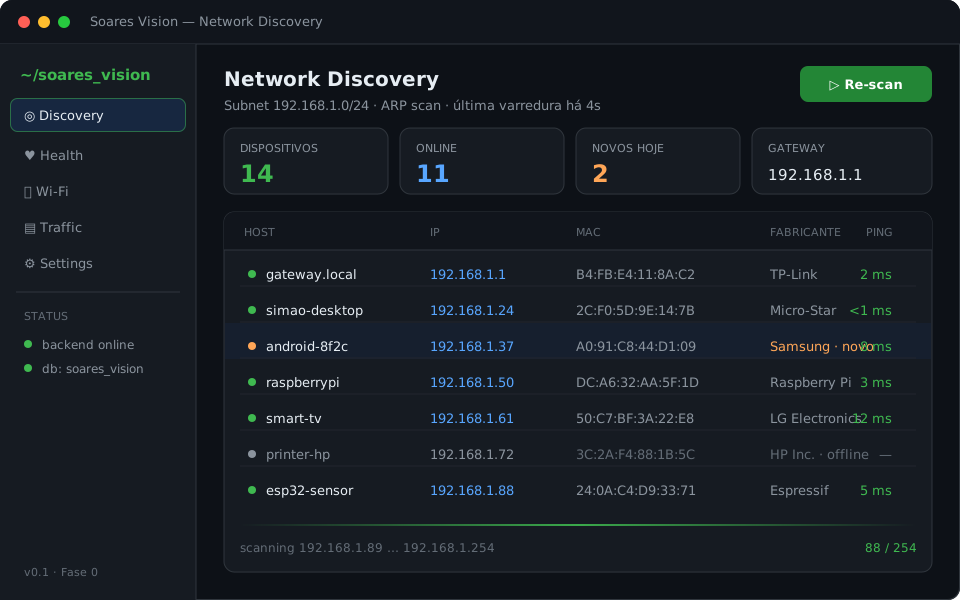
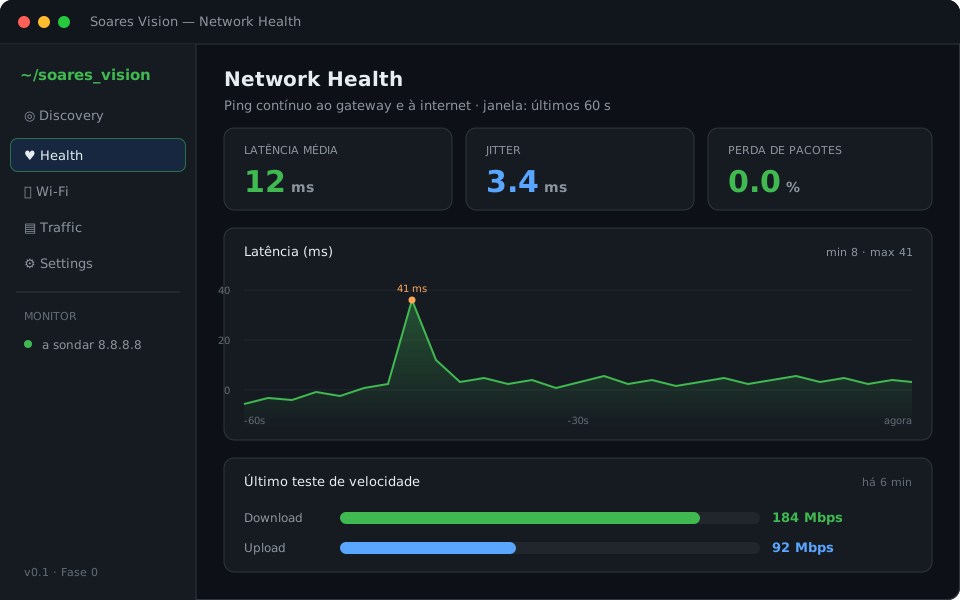
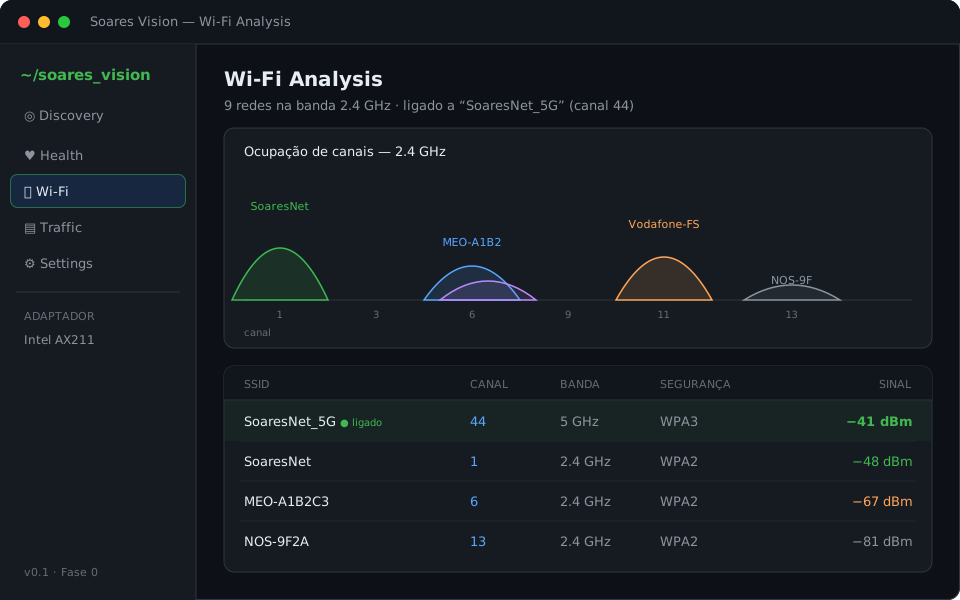
Soares Vision is a network-analysis tool for Windows, inspired by software like Wireshark, Fing, Advanced IP Scanner, GlassWire and ntopng — but built from the ground up, one module at a time, instead of cloning any single one. The goal is to see who is on the network, how healthy the network is, and what's happening on the air.
It isn't a single script: it's a system of three independent pieces that talk over HTTP/JSON. Each new feature lands as an isolated module, so the product can grow without getting fragile.
Three independent pieces that talk over HTTP/JSON.
The engine. Runs natively on Windows, deliberately outside Docker: it needs direct access to the local network (ARP scan, MAC and Wi-Fi reads) that Docker on Windows won't allow. Stores everything in SQLite.
The interface. Connects to the backend over HTTP and WebSocket, and shows devices, network health and Wi-Fi networks in real time.
Optional, from Module 5 onward. A sensor on the network that runs in Docker (it's Linux) and enables traffic monitoring without depending on the PC being on.
These images are product mockups to show the direction — the real interface is under development (the project is at Phase 0).